
Menu card, place cards and programme booklet in the theme of your invitation
Everything that lies on the table on the day itself comes from the same data as your invitation: the guest list, the seating plan and the day programme. You retype nothing, and on paper it looks like it does on your guests' phones.
Last checked on 1 October 2026Below the four printed items, shown here in the theme Bohemian Chic of our example couple Sanne and Joris. In your theme they look different, but the structure is the same.
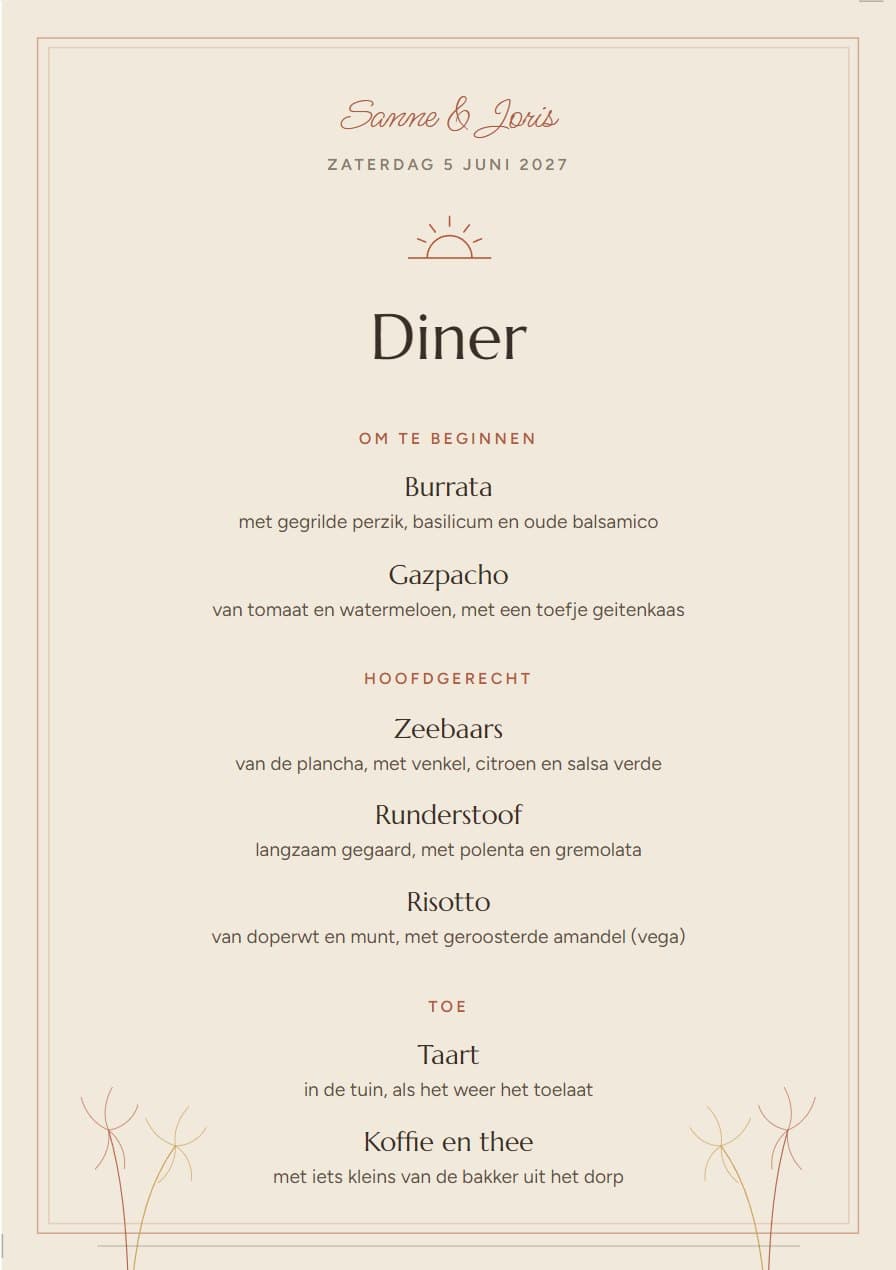
Menu card
A5, two per A4 sheet
A title, the courses and per course one or more options with a line of description. At the bottom it automatically says that the dietary needs are already known to the kitchen.
What you fill in: You type the courses and options in the Printed items module; your names and the date are on it automatically.
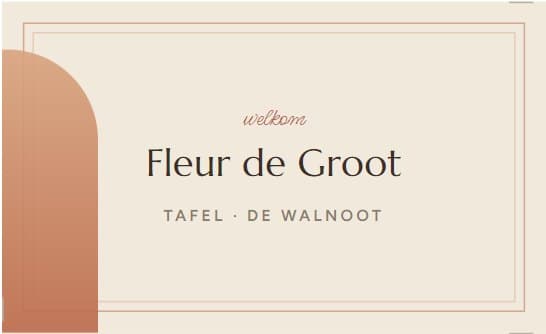
Place cards
90 × 55 mm, ten per A4 sheet
A card for every day guest on the guest list, with first and last name, and if you tick it the table beneath. You do not have to wait for the RSVPs: whoever declines, you simply leave their card.
What you fill in: Nothing separate. The names come from the guest list, the table name from the seating plan; with one tick it is on it or not.
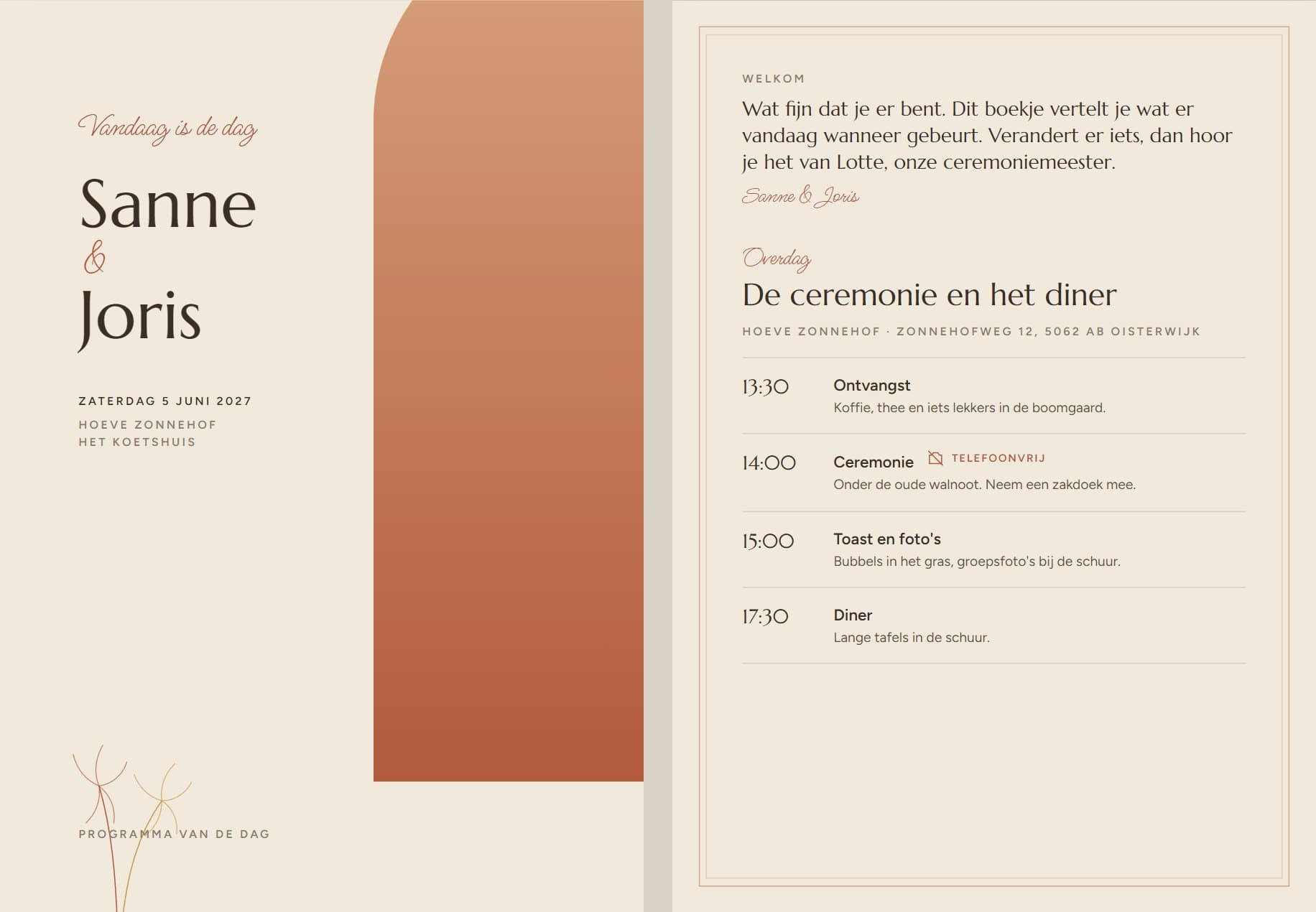
Programme booklet
Four A5 pages, folded A4
A front with your names and the date, a welcome text, the daytime and evening programme with the location at each item, and a back with a thank-you. Items that are phone-free are marked as such. For a wedding weekend you make a booklet per day.
What you fill in: Only the welcome text. The programme comes from your day schedule; if that changes, the booklet changes with it.
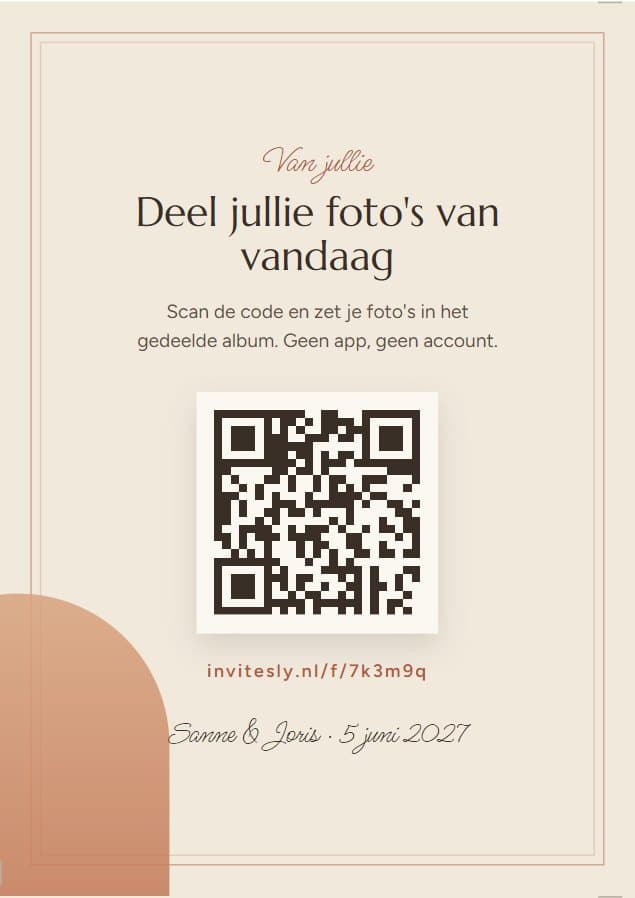
QR table card
A6, four per A4 sheet
A card for on the table with a QR code. Guests scan it and put their photos of the day in your shared album, without an app or account.
What you fill in: Nothing. Switch on guest photos and the card is ready, with your own code on it.
And the invitation itself, on paper
Not every guest has an email address, and some guests simply want a card on the doormat. That is why you also make the invitation on paper, in the same theme. Every household gets a card of its own with the name of the household on it, for example Jan and family, and a QR code that belongs to that household only. Whoever scans the code lands on their own invitation page and responds there like everyone else, with the same RSVP.
You download the file, have it printed and send the cards yourselves. Which guests need a card, you decide: one for everyone, or only for those without an email address.
Also in the theme: the emails to guests
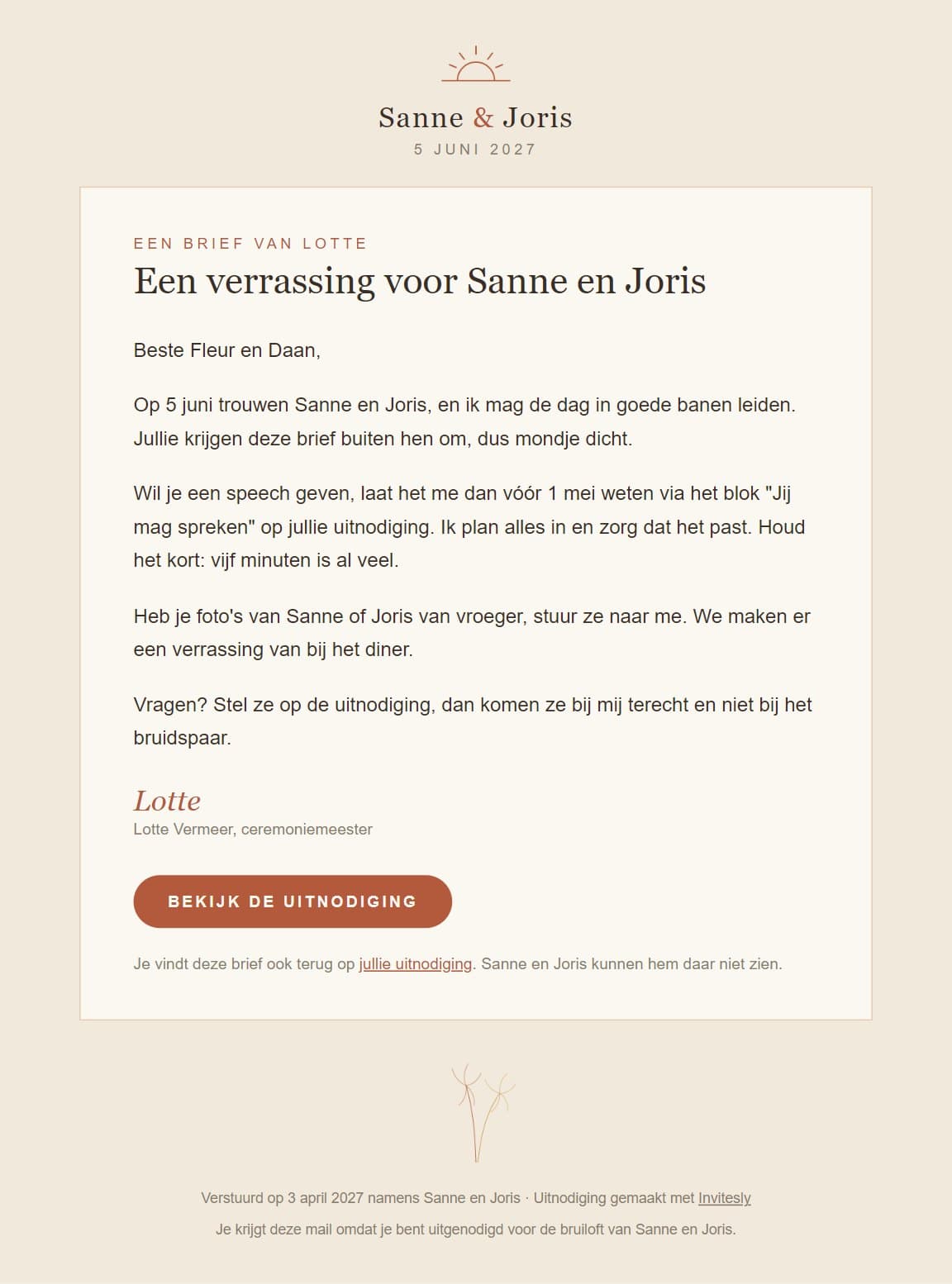
The invitation, announcements, the reminder before the RSVP deadline and the letter from the master of ceremonies go out as email in the same theme, with the letter fully in the email. Below the master of ceremonies letter as guests see it in their mail.
For wedding planners
Do you work with several weddings? Then this is the difference between an afternoon of Word and a click. Menu card and place cards are ready as soon as the guest list is in place, and the programme booklet follows the day schedule. Read how Invitesly fits into your offer.
Frequently asked questions
What printed items do you need at a wedding?
Most weddings use four things on the day itself: a menu card per table, place cards at the seating plan, a programme booklet for the ceremony and a table card with a QR code for guest photos. With Invitesly all four come from the same guest list and the same theme as the invitation.
Can you make a paper wedding invitation with a QR code?
Yes. With Invitesly you make an invitation on paper per household in the theme, with the name of the household and a QR code of its own. That code opens that household's personal invitation page, where guests respond. You download the file, have it printed and send the cards yourselves. It is included in the € 99 per wedding.
Can you make menu cards and place cards in the same style as the wedding invitation?
Yes. With Invitesly you choose one theme for the invitation, and the printed items automatically use the same colours, fonts and ornaments. You do not have to rebuild anything in Canva or Word. That way it looks the same on the table as on your guests' phones. The emails to guests are in that theme too.
How do you print menu cards and place cards for a wedding yourself?
With Invitesly you download a PDF in the right size, with several cards per sheet and crop marks. You print it at home on sturdy paper or at a copy shop, or have it printed. The content (courses, options, welcome text, seating plan) you fill in yourselves; the design follows the theme.
What do printed items for a wedding in the style of the invitation cost?
If you have them designed separately, you pay per card or per design. With Invitesly the menu card, place cards, programme booklet and QR table card are included as PDFs in the € 99 per wedding, in the same theme as the invitation. You arrange the printing yourselves, at home or at a copy shop. Working with a wedding planner? Then the planner makes the printed items in the same place, from the same guest list.
Ready to start your own page?